



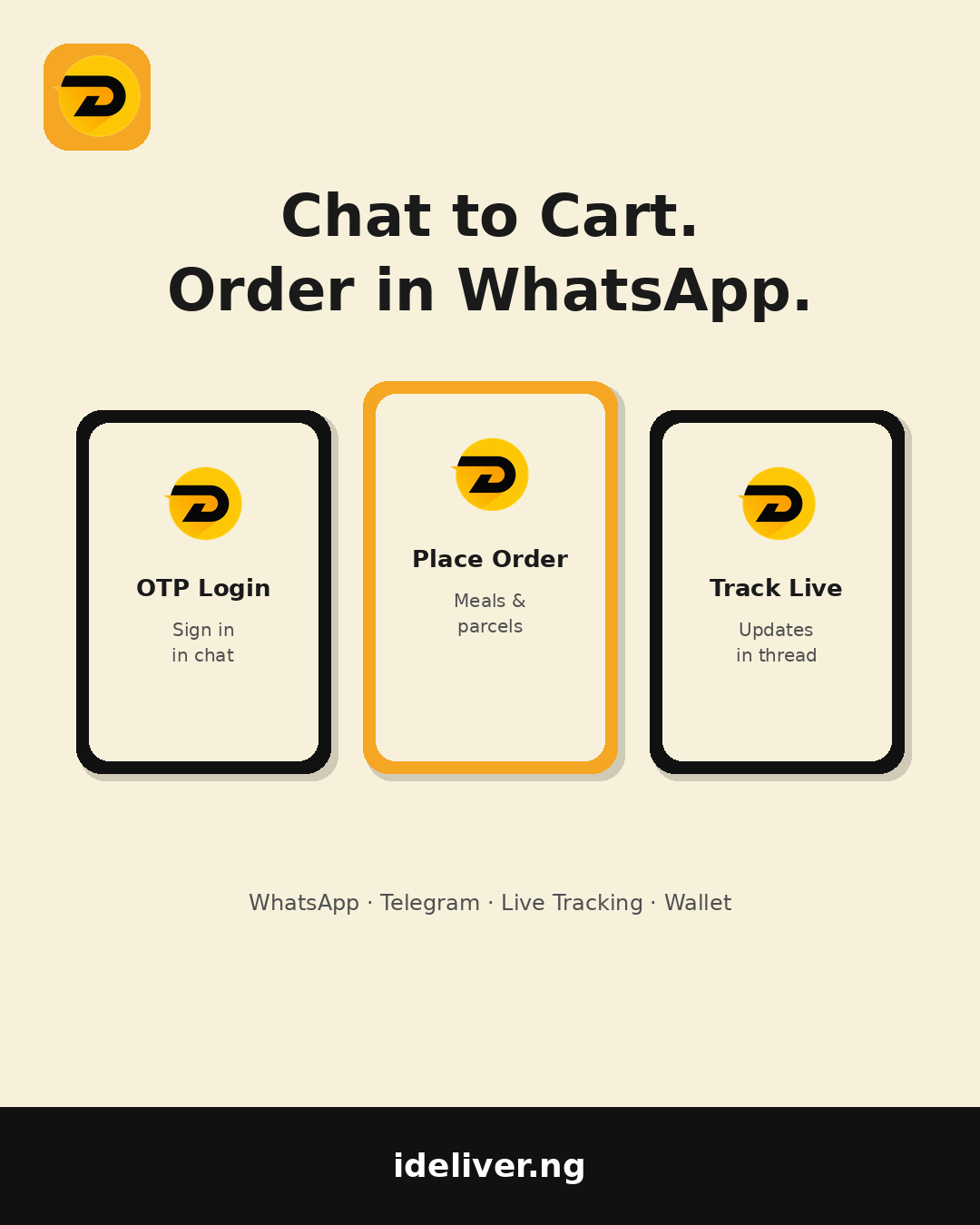






You’re already in WhatsApp. Why jump to another app just to order jollof or send a parcel across Uyo? iDeliver’s conversational bots bring ordering into the chats you use every day — WhatsApp and Telegram — with the same wallet, tracking, and account you already trust.
Here’s how chat-to-cart works for customers and vendors, without the corporate jargon.
Order where you already talk
Open WhatsApp or Telegram, find the iDeliver bot, and start the way you’d message a friend. You can log in with OTP or password, browse what you need, and place the order inside the thread. No hunting for a forgotten app icon when your battery is on 8% and the generator just coughed.
That matters in a city where people live in chat. Group plans, “abeg get me food,” and last-minute parcel asks already start as messages. Conversational commerce meets people there instead of forcing another download mid-conversation.
What customers can do in chat
- Login — OTP or password, same unified account as the apps and web.
- Place orders — meals, parcels, and everyday needs without leaving the conversation.
- Track live — status updates land in the same chat so you’re not refreshing three screens.
- Rate & wrap up — close the loop when the rider arrives.
- Opt out — reply STOP when you want compliance-friendly quiet.
See the fare before you confirm. Under the hood, merchant pricing stays zone-aware — you’re not guessing what “delivery” means after the rider is already moving.
Vendors: run the shop from chat
Stores can register, manage product catalogs, and accept or reject orders directly in messaging. When the lunch rush hits with Kilimanjaro Road energy, you don’t need a second laptop open — the alert is in the same place you already reply to customers.
Accepting fast in chat is the same discipline as accepting fast in the Vendor App: slow accepts make customers stare at the map and worry. Keep the catalog tidy, mark busy when you must, and let the bot carry the ping.
One wallet, many doors
Balances and accounts stay unified across web, customer app, and bots. Asynchronous messaging queues keep chats from vanishing when the network flickers — common on busy Uyo afternoons. Gift cards, Prime perks, and Smart Errands still live in the wider ecosystem; the bot is another door into the same house.
When to use the app vs the bot
Love the full map, rider photos, and gift-card reveal sheets? Open the Customer App (the recent builds lean hard into that experience). Need something fast from a group chat? Stay in WhatsApp or Telegram. Same ecosystem either way — Telegram users can also lean on @iDeliverfastbot for merchant-style helpers like fare quotes when you’re dispatching.
Try it today
Chat commerce isn’t a side experiment. It’s how Uyo already buys — now with tracking and a real wallet behind it.
Start in chat or grab the app: ideliver.ng/download/app · Merchants: docs.ideliver.ng




What do you think?
It is nice to know your opinion. Leave a comment.